Device Compatibility, eSIM
iPhone eSIM: Compatibility, Activation & Setup
Every iPhone from the XR (2018) onwards supports eSIM. Here's the full model breakdown, the US eSIM-only distinction, and how to activate a travel eSIM.
TL;DR: Every iPhone from the XR and XS (2018) onwards supports eSIM; that covers the full iPhone 11, 12, 13, 14, 15, 16, 17, 18 series, iPhone Air, and SE (2nd and 3rd gen). US models from iPhone 14 onwards are eSIM-only with no physical SIM tray. iPhone X and earlier do not support eSIM. Chinese-market iPhones use dual physical SIMs and do not support eSIM. Your iPhone must also be carrier-unlocked to activate a travel eSIM.

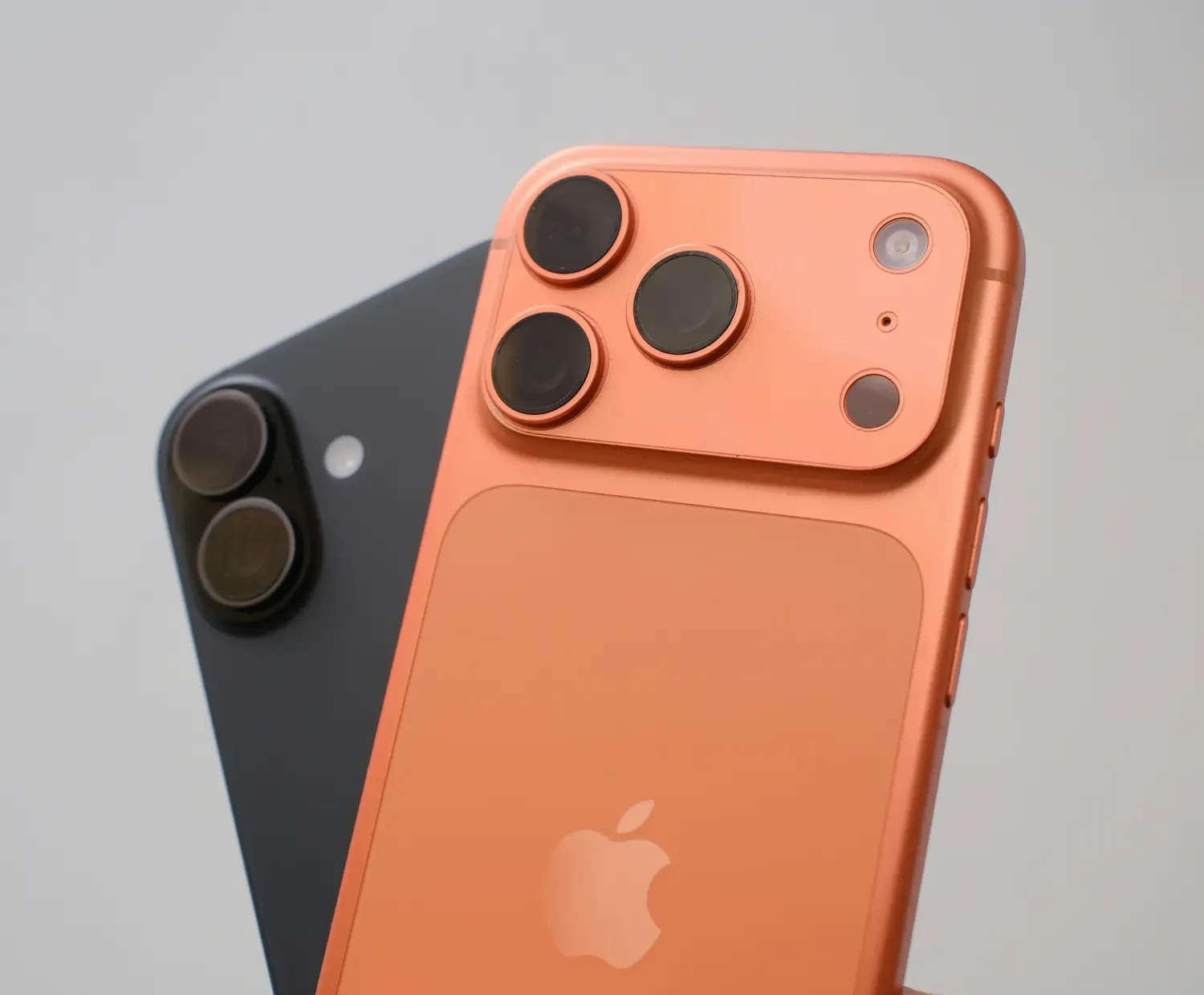
eSIM Compatibile iPhones: Full Model List
- iPhone 18 series (eSIM-only models in US, Canada, Japan, Mexico, and the UAE; international models retain nano-SIM slot)
- iPhone 17 series (US models eSIM-only; international models retain nano-SIM slot)
- iPhone Air (eSIM-only worldwide; first iPhone with no physical SIM tray in any market)
- iPhone 16e/ 16 / 16 Plus / 16 Pro / 16 Pro Max
- iPhone 15 / 15 Plus / 15 Pro / 15 Pro Max
- iPhone 14 / 14 Plus / 14 Pro / 14 Pro Max
- iPhone 13 / 13 mini / 13 Pro / 13 Pro Max
- iPhone 12 / 12 mini / 12 Pro / 12 Pro Max
- iPhone SE (3rd gen, 2022)
- iPhone SE (2nd gen, 2020)
- iPhone 11 / 11 Pro / 11 Pro Max
- iPhone XS / XS Max / XR
Comparing devices? See our compatibility guides for other device types:
- Samsung eSIM compatibility guide
- Oppo eSIM compatibility guide
- OnePlus eSIM compatibility guide
- Google Pixel eSIM compatibility guide
eSIM-Only iPhones vs Dual SIM iPhones: What's the Difference?
US Models: iPhone 14 and Later — eSIM-Only
US models of the iPhone 14, 15, 16, 16e, 17 and 18 series have no physical SIM tray. They support dual eSIM, which means two active eSIM lines simultaneously. No physical card is needed or possible.
iPhone Air: eSIM-Only Worldwide
The iPhone Air is the first iPhone model with no physical SIM tray in any market globally. All activations are eSIM-only regardless of country of purchase.
International Models: iPhone XR to iPhone 13 — Physical SIM + eSIM
All international (non-US) models from iPhone XR through iPhone 13 support one physical nano-SIM and one active eSIM simultaneously. Multiple eSIM profiles can be stored and switched on demand — ideal for travel.
iPhone 13 Series Onwards — Dual Active eSIM
From iPhone 13 onwards, international models support two active eSIM lines without needing a physical SIM at all. Combined with an unlocked device, this means full flexibility for travel data.
How To Check If My iPhone is eSIM Compatible?
Method 1: Settings
- Go to Settings → Cellular (or Mobile Service)
- If you see Add eSIM, your device supports eSIM
Method 2: Find Your EID
- Go to Settings → General → About
- Scroll to find EID — if present, your iPhone has eSIM hardware
Method 3: Check Carrier Lock Status
- Go to Settings → General → About → Carrier Lock.
- If it shows "No SIM restrictions," your iPhone is unlocked and ready for a travel eSIM. If locked, contact your carrier to unlock before purchasing a Nomad plan.
Method 4: Nomad eSIM Device Checker
- Use the Nomad eSIM device compatibility checker to confirm in seconds.
Beyond hardware, there are a few more things to verify before buying. This guide on how to know if your iPhone is ready for a travel eSIM covers the full checklist.

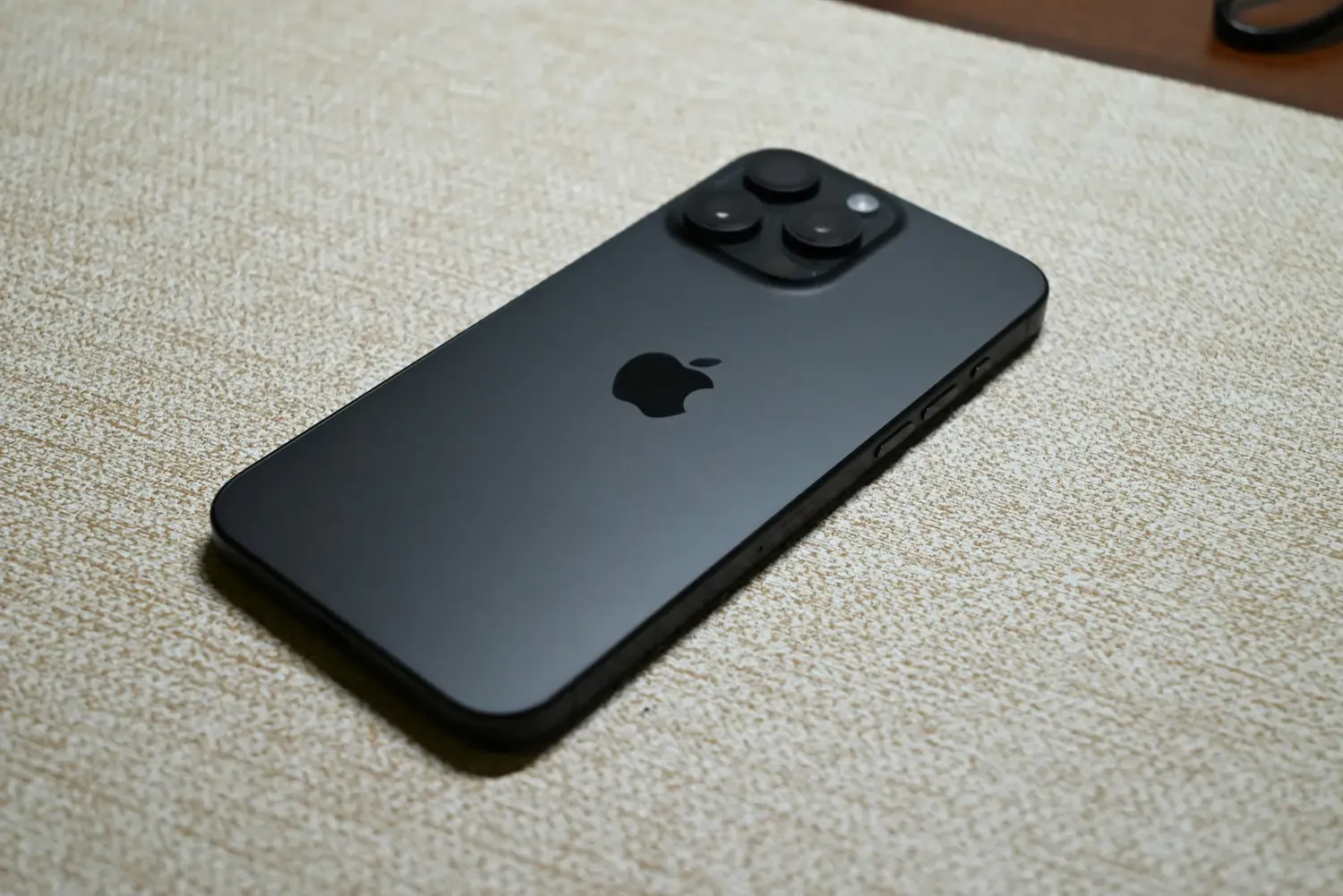
How to Activate a Travel eSIM on iPhone
- Purchase a Nomad eSIM plan at nomadesim.com — you can buy in advance and activate on arrival
- Receive your QR code by email
- Go to Settings → Cellular → Add eSIM
- Tap Use QR Code and scan your Nomad QR code
- Follow on-screen prompts. Activation takes under five minutes on Wi-Fi
- Label the plan (e.g. "Nomad Travel") and set it as your data line
- Keep your physical SIM or home eSIM active for calls and texts
For screenshots and model-specific steps, see the full guide to installing an eSIM on iPhone.
Using eSIM and Physical SIM Simultaneously on iPhone
On any unlocked iPhone from XR to iPhone 13 (international), you can run your home physical SIM and a Nomad travel eSIM at the same time:
- Home SIM handles calls and SMS so your number stays the same
- Nomad eSIM handles local data so you avoid roaming charges
- On iPhone 13+ and all US models from iPhone 14 onwards, two eSIMs can be active simultaneously, therefore no physical card needed at all
Installing a travel eSIM does not change your existing phone number. Full setup guide: how to run a physical SIM and eSIM at the same time.
Why Use a Travel eSIM on iPhone?
- No roaming charges: buy local data rates through Nomad instead of paying carrier roaming fees
- Instant activation: no airport SIM hunt; buy in advance and connect on landing
- Keep your number: home line stays active alongside Nomad eSIM
- Over 200 destinations covered: Nomad eSIM partners with local carriers for reliable in-country signal
- Multiple profiles: store eSIM plans for different destinations and switch without redownloading
Still deciding? Read the full breakdown of eSIM pros and cons, or find out whether eSIM delivers faster speeds than a physical SIM for travel data. If you're considering Nomad eSIM, the breakdown of its pros, cons, performance will help you decide if it’s the right choice for you.
Frequently Asked Questions (FAQs)
Which iPhones support eSIM?
Every iPhone from the XR and XS (2018) onwards, including the full 11, 12, 13, 14, 15, 16, 17, 18 series, iPhone Air, and SE 2nd and 3rd gen. iPhone X and earlier do not support eSIM.
Is my iPhone eSIM-only?
US models of iPhone 14, 15, 16, 16e, 17 and 18 are eSIM-only. There is no physical SIM tray for these models. The iPhone Air is eSIM-only worldwide. All other compatible models retain a nano-SIM slot.
Can I use eSIM on iPhone 11, 12, or 13?
Yes, all three generations support eSIM. iPhone 13 and later support two active eSIM lines simultaneously. iPhone 11 and 12 support one active eSIM alongside one physical SIM.
Does the iPhone SE support eSIM?
Yes, the 2nd gen SE (2020) and 3rd gen SE (2022) both support eSIM. The original 1st gen SE (2016) does not.
Do Chinese iPhones support eSIM?
No. iPhones sold in mainland China use dual physical SIM slots across all models and do not support eSIM regardless of generation.
Does my iPhone need to be unlocked to use a travel eSIM?
Yes. A carrier-locked iPhone will block eSIM activation for other networks. Check your lock status at Settings → General → About → Carrier Lock. Contact your carrier to unlock if needed.
How many eSIM profiles can I store on an iPhone?
iPhone XR through iPhone 12: up to 8 eSIM profiles stored, one active at a time alongside a physical SIM. iPhone 13 and later: up to 20 profiles stored, with two active simultaneously.
Does installing a travel eSIM change my iPhone number?
No, your number stays on your home SIM or home eSIM line. The Nomad eSIM is a separate data line. Full explanation: does installing an eSIM change your phone number?
How is iPhone eSIM different from Android eSIM?
The underlying eSIM standard is identical, where they both use QR code activation and work with the same travel eSIM providers. The main difference is the settings path. For a full Android comparison, see the Android eSIM compatibility guide.
Considering Android devices as well? Refer to our device specific guides: Samsung eSIM compatibility guide, OnePlus eSIM compatibility guide and Oppo eSIM compatibility guide
For budget eSIM options across brands, see the cheapest eSIM compatible phones.
Nomad eSIM Free Trial
Try Nomad eSIM risk-free with our free trial—no contracts, no commitment. Set up in minutes, enjoy secure connectivity, and manage everything easily through the Nomad eSIM app.